Webinar: Duranta OAI UE and OCUDU RAN Interoperability and ISAC Operation
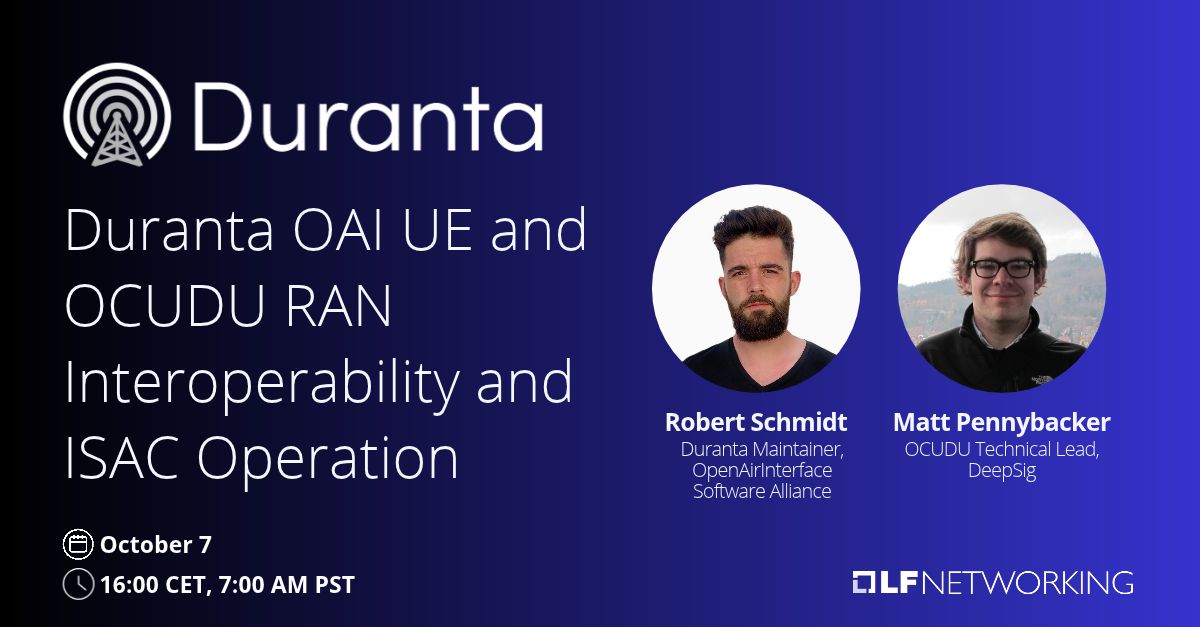
Our upcoming webinar explores open source RAN interoperability, showing how the Duranta OAI UE works with open source RAN via OCUDU Ecosystem Foundation through local deployment, a live over-the-air connection, and ongoing ISAC development. This webinar explores the interoperability between the OCUDU open source RAN (Radio Access Network) and the Duranta OpenAirInterface (OAI) UE (User Equipment). The OpenAirInterface Software Alliance (OSA) opens with an introduction to the LF Networking (LFN) Duranta project, followed by an introduction to Linux Foundation sister project, OCUDU Technical Project (under the OCUDU Ecosystem Foundation). The speakers then walk through the integration work completed so far and show how participants can deploy the RAN and UE locally on their own machines, followed by a live over-the-air connection between the two. The session closes with an overview of ongoing work on Integrated Sensing and Communication (ISAC) and the next steps toward bringing sensing capabilities into the open source stack. Register today: https://lnkd.in/ekhXeUSH Who Should Attend: Open source RAN developers, wireless researchers, system integrators, and operators interested in 5G interoperability testing or ISAC. What You’ll Learn: – How the Duranta OAI UE and OCUDU open source RAN work together, and the current state of their integration. – How to set up an end-to-end RAN and UE environment on your own machine. – Where ISAC development is headed and how you can contribute. Agenda: 1. Introduction to the LFN Duranta Project, by the OpenAirInterface Software Alliance 2. Introduction to the OCUDU Project 3. Duranta OAI UE and interoperability work 4. Demo: Deploying the RAN and UE locally 5. Demo: Over-the-air connection 6. ISAC work and next steps 7. Q&A and how to get involved Speakers: – Robert Schmidt, Duranta Maintainer, OpenAirInterface Software Alliance – Matt Pennybacker, Ph.D., OCUDU Technical Lead, DeepSig, Inc. Resources: Duranta: https://lnkd.in/gkErCxma
More info / Tickets →Event Flyer
Share to social — choose your size below, then screenshot or use the designer to customize the background.
Log in to join the discussion.